
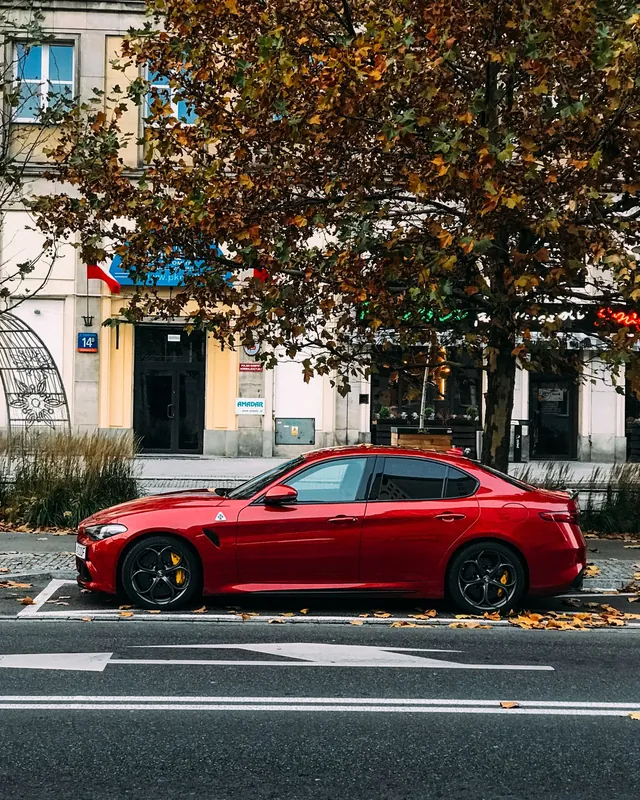
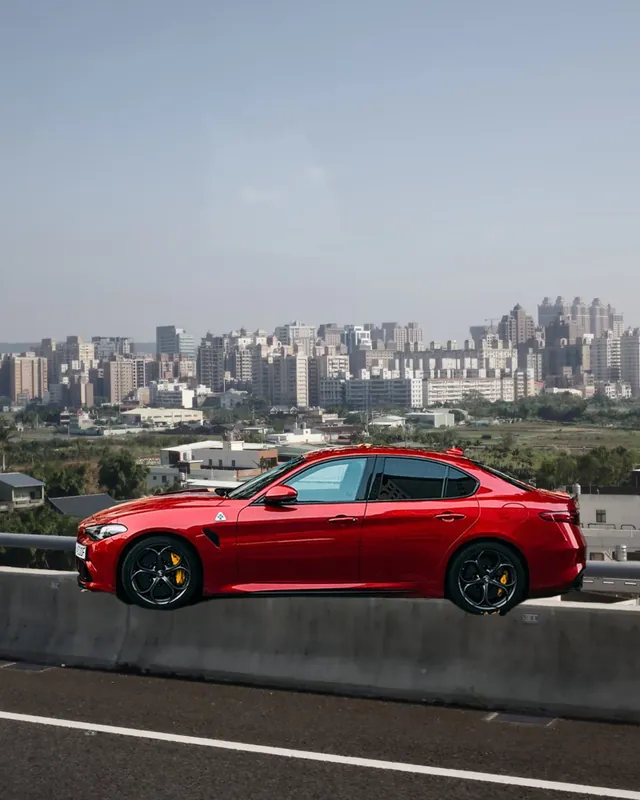
 BeforeAfter
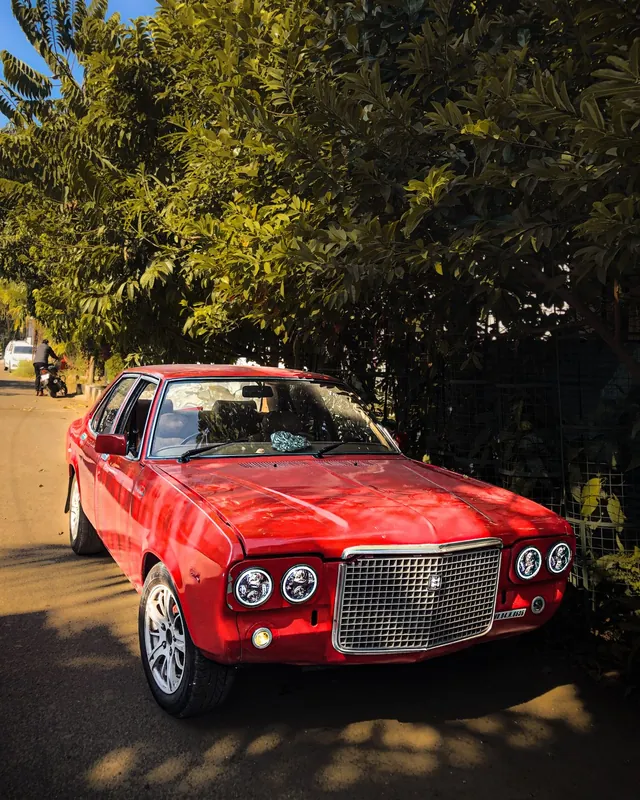
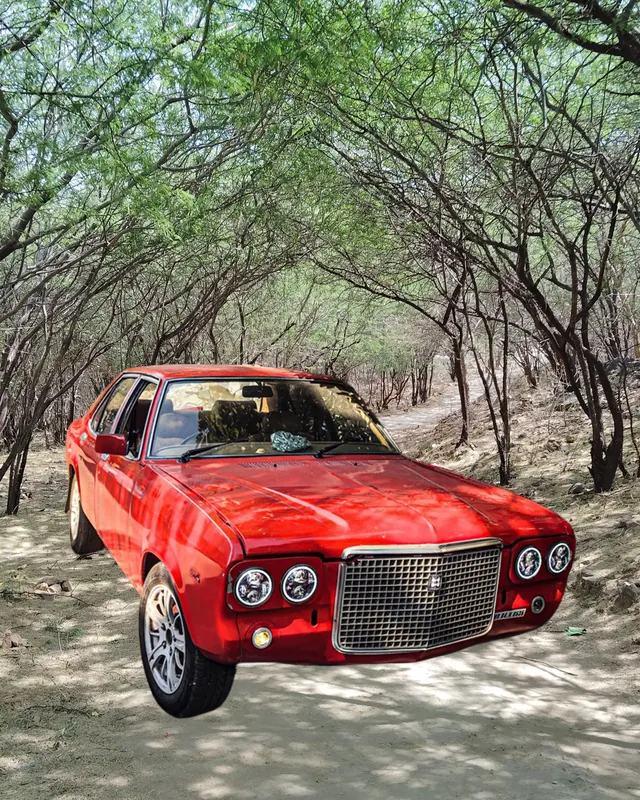 BeforeAfter
Uses › Car photos
Showroom-clean backgrounds for car photos
Cars photographed in car parks and driveways look cluttered. Upload the photo and changebg replaces the background with clean white, studio grey or a new scene, so buyers focus on the car.
Cutout
Free download: preview cutout with transparent or colour backgrounds. Download HD: sharper edges at full quality; HD + background also unlocks photo backgrounds and blur. HD sends a reduced copy to our secure servers; it is not stored.
Background
Photo backgrounds HD
Better car listing photos
- Shoot the whole car from a three-quarter angle with even daylight.
- Use the same background for every car in your inventory for a consistent listing page.
- Windows and reflections are the trickiest areas; HD gives cleaner edges around glass.
- Keep photos honest: change only the background, not the car.
How to change the background of a car photo
Upload the car photo
A full side or three-quarter view works best.
Choose a background
This page starts on studio grey. Try white, or a showroom-style scene with HD.
Download for your listing
Save a full-size JPG for car marketplaces or your website.
Tips for dealers and private sellers
- Light grey backgrounds hide minor shadows better than pure white.
- Credit packs bring HD down to $0.15 a photo for whole inventories.
- Keep one photo with the real surroundings if buyers ask where the car is.
Frequently asked questions
Can I remove the background from a car photo?
Yes. Upload the photo and the background is removed automatically; pick white, grey or (with HD) a new scene and download at full size.
Will the windows look right?
Windows can show the old background through the glass. HD handles these edges better; for the cleanest result, photograph the car against an open, plain area.
Is it OK to edit car listing photos?
Changing the background is common for dealer listings. Don’t alter the car itself, and show any damage honestly.