
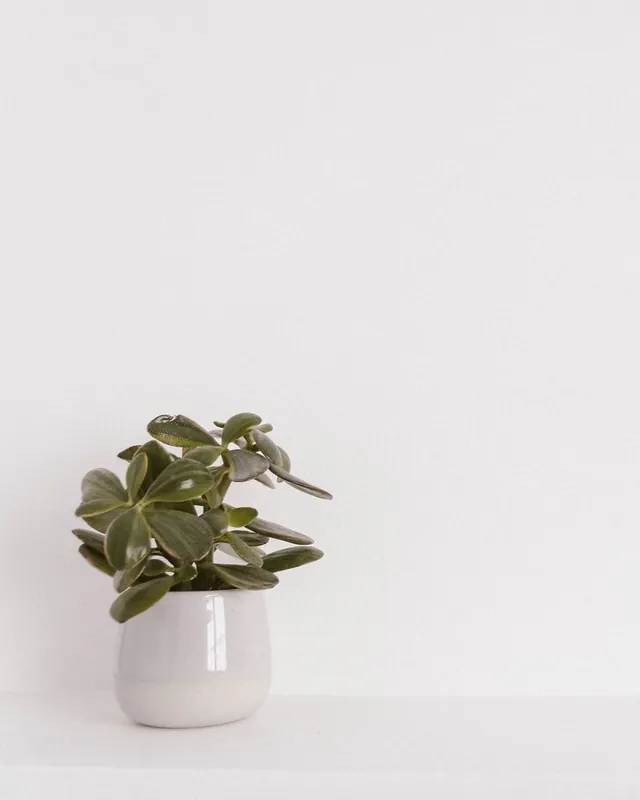
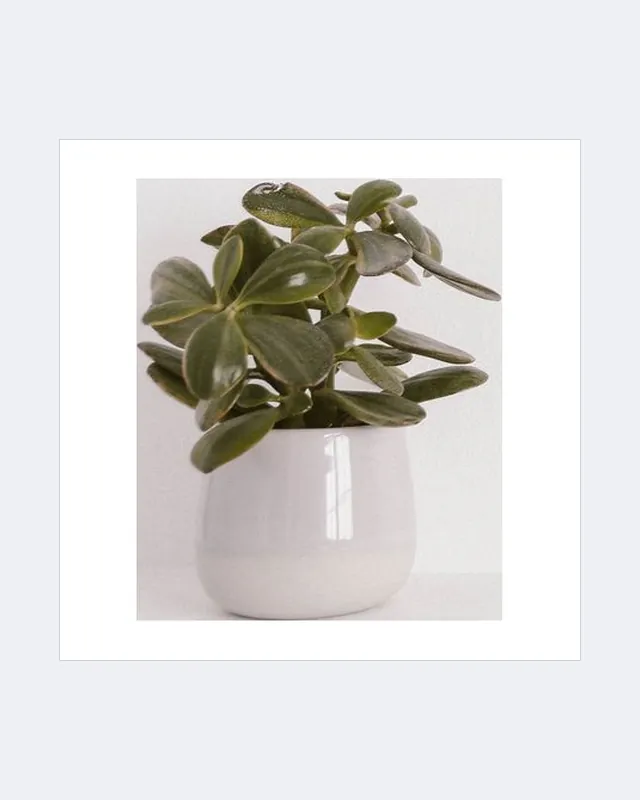
 BeforeAfter
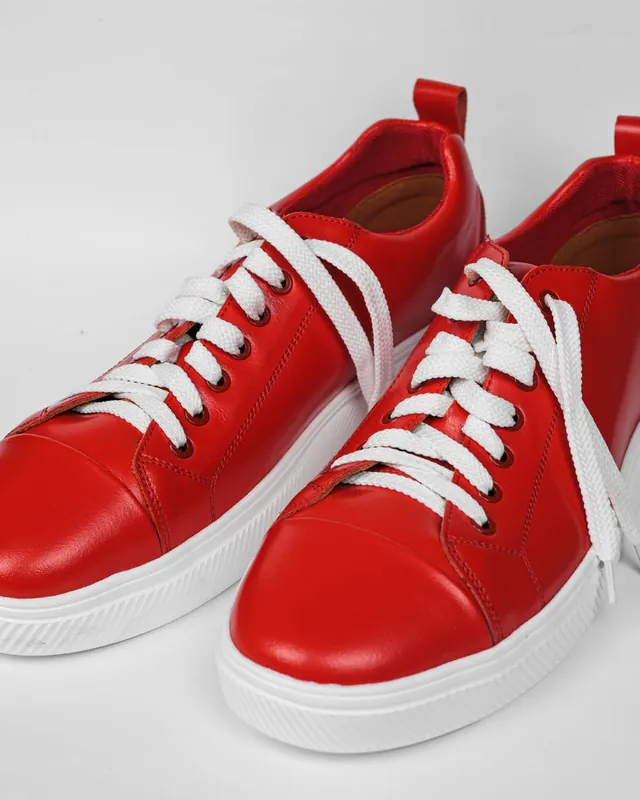
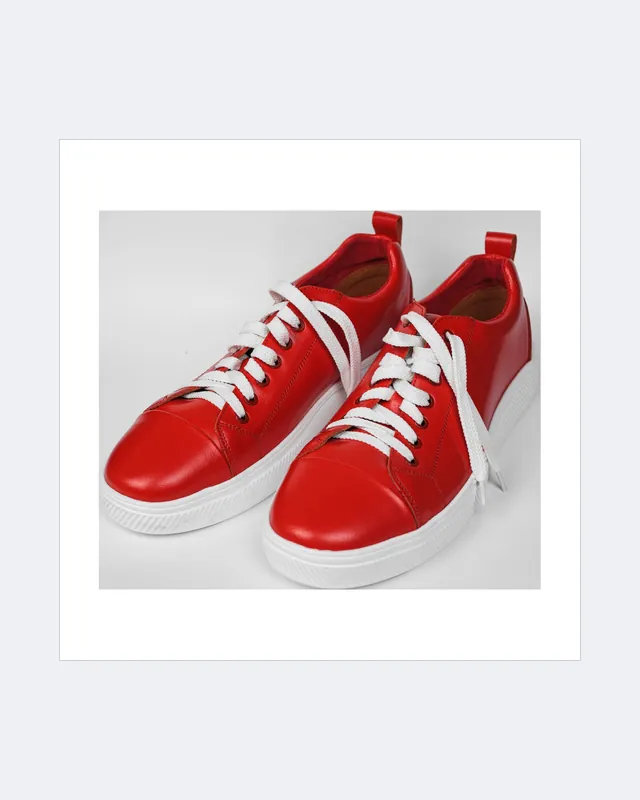 BeforeAfter
Tools › Product photo resizer
Product photo resizer for marketplaces
Drop your product photos and get marketplace-ready squares: empty margins trimmed, the product centred and sized to fill the frame, and the rest padded with pure white. Batch, free, and nothing leaves your device.
Background not plain? First make it white with the free white background tool, then resize here.
How to resize product photos for Amazon, Shopify, eBay or Etsy
Add your photos
Drop one or many product photos. They stay on your device.
Pick a marketplace size
Choose Amazon, Shopify, eBay, Etsy or a custom size, and how much of the frame the product fills.
Download
Download each JPG, or all of them as one ZIP.
Frequently asked questions
How do I resize a product photo for Amazon?
Add the photo here, choose Amazon (2000 × 2000), and download. The empty margin is trimmed, the product is centred to fill about 85% of the frame, and the rest is padded with pure white (#FFFFFF).
Does this remove the background?
No. It trims and pads photos that already have a plain, light background. For a cluttered background, first make it white with the free Amazon white background tool, then resize here.
Can I resize many photos at once?
Yes. Drop as many photos as you like; each is processed on your device and you can download them all as one ZIP.
Are my photos uploaded?
No. Resizing happens entirely in your browser. Nothing is uploaded or stored.