
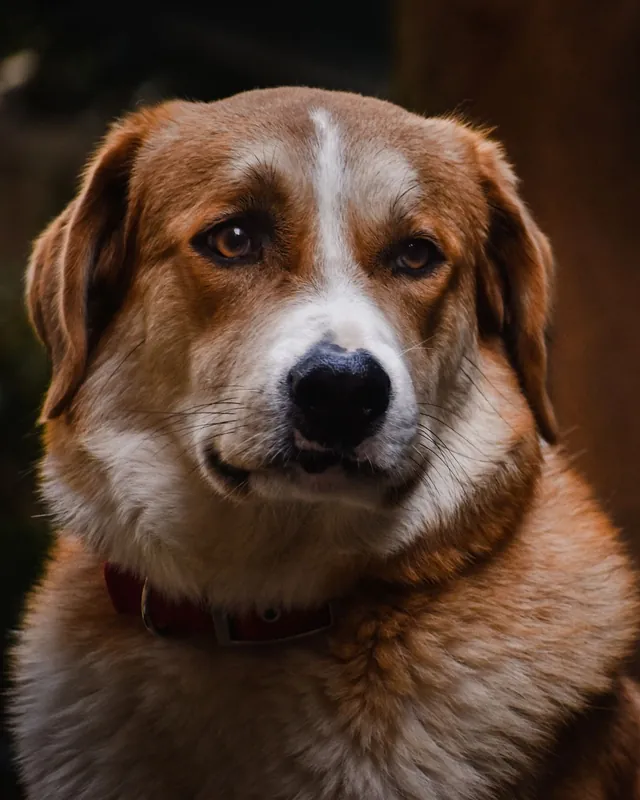
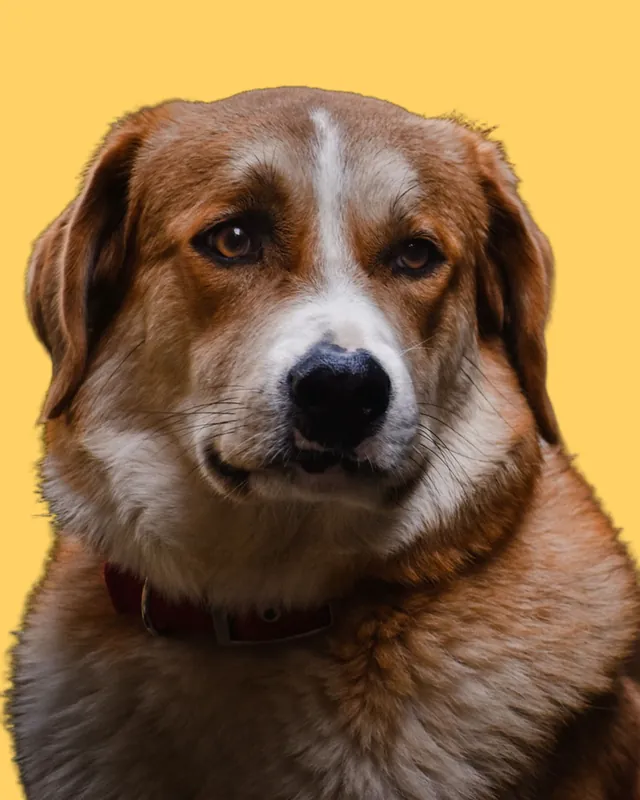
 BeforeAfter
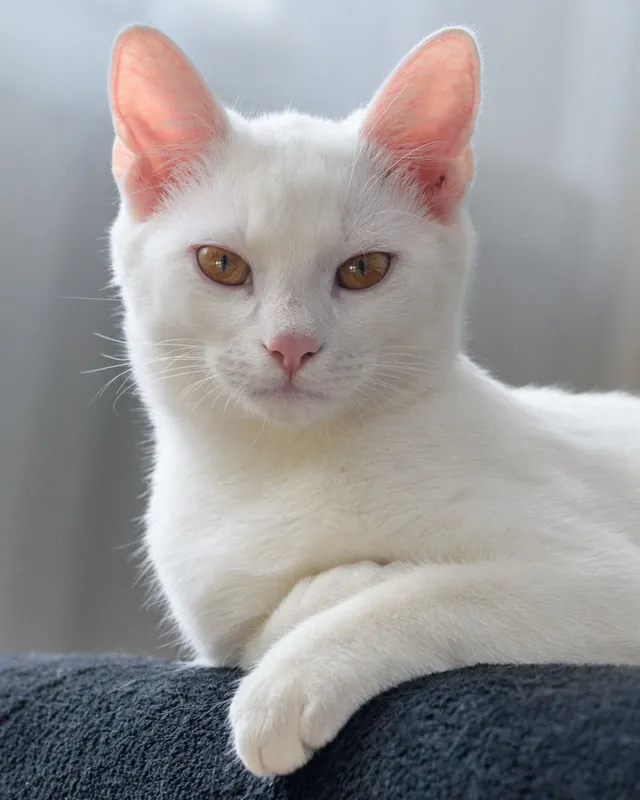
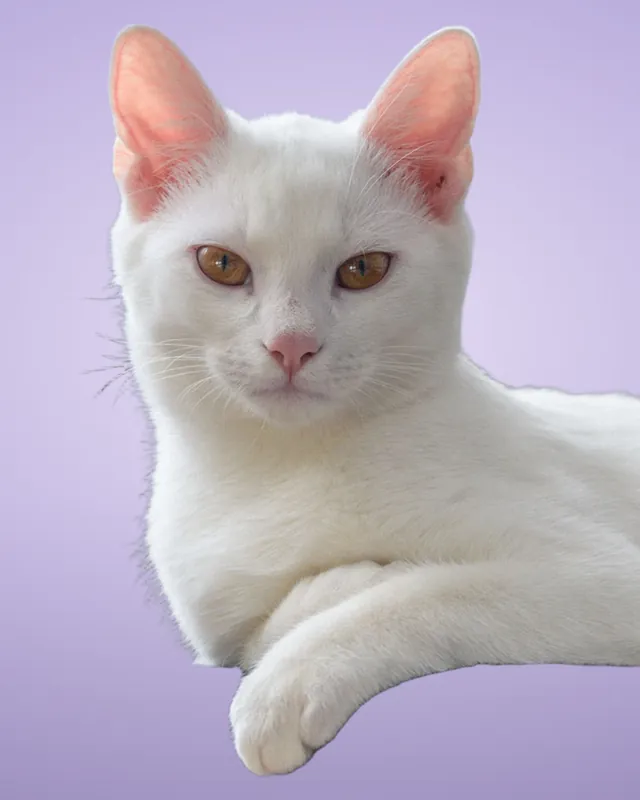 BeforeAfter
Uses › Pet photos
Studio-style pet portraits from any photo
Turn a cluttered snap of your dog or cat into a clean portrait. Upload the photo, then choose a colour, a studio backdrop or a new scene. HD keeps every whisker and tuft of fur.
Cutout
Free download: preview cutout with transparent or colour backgrounds. Download HD: sharper edges at full quality; HD + background also unlocks photo backgrounds and blur. HD sends a reduced copy to our secure servers; it is not stored.
Background
Photo backgrounds HD
Getting a great pet cutout
- Fur and whiskers are the hardest edges for any background remover; HD handles them far better.
- Use a photo where your pet is in focus and not blurred by motion.
- A contrasting background in the original (dark pet, light floor) gives the cleanest result.
How to change the background of a pet photo
Upload your pet photo
Phone photos and HEIC work. Pick one where your pet is sharp.
Choose a background
Start with a colour, or with HD use a studio backdrop, a scene or blur.
Download
Save as PNG or JPG for prints, posts or a custom gift.
Ideas for pet photos
- Pastel colours make playful social posts; studio greys make classic portraits.
- Make a transparent PNG for stickers, mugs or custom prints.
- Blur the original background for a phone “portrait mode” look.
Frequently asked questions
Can changebg cut out fur and whiskers?
Yes. The free preview handles most pets well, and HD gives much more natural fur and whisker edges.
Can I make a pet sticker or print?
Yes. Choose the transparent background and download a PNG for stickers, mugs or custom prints.
Does it work with more than one pet in the photo?
Usually yes, when the pets are close together and in focus. The cutout keeps the main subjects in the photo.