
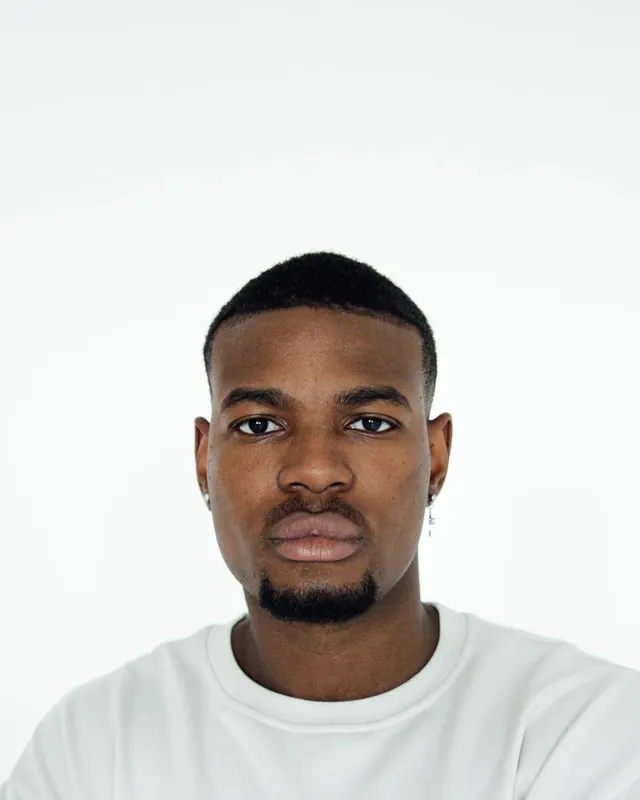
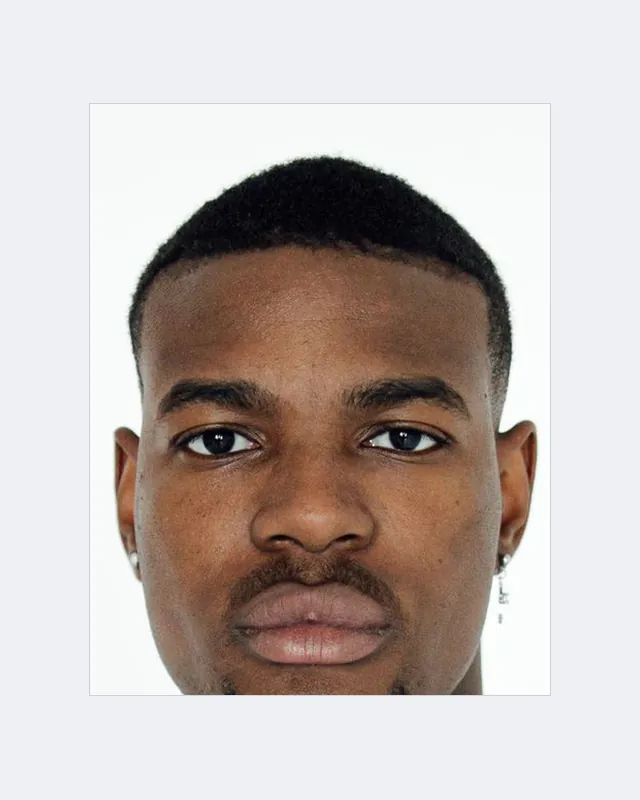
 BeforeAfter

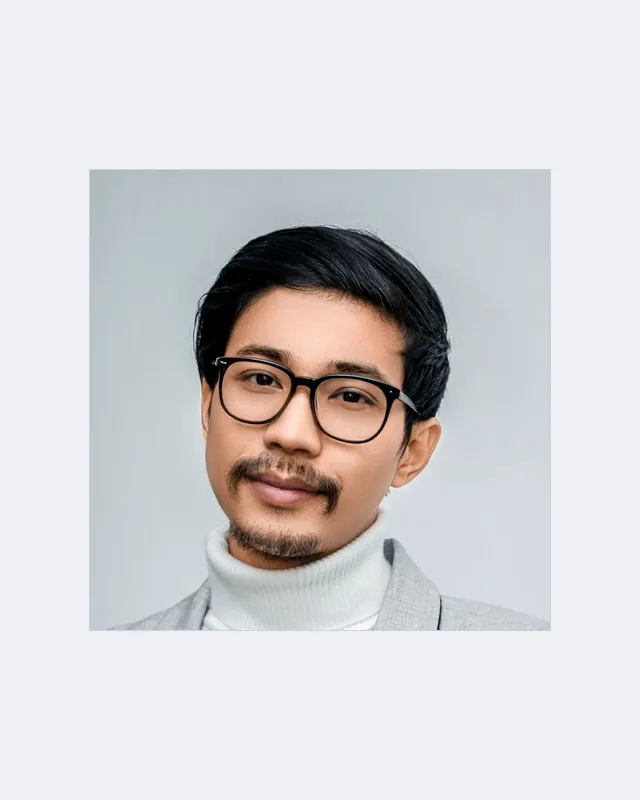 BeforeAfter
Tools › Passport photo maker
Passport photo maker
Crop your photo to the official size for your country, line your face up with the guide, and download it or a printable 4 × 6 in sheet. Your photo isn’t edited or uploaded.
Nothing is uploaded. Your photo stays in this browser and is never edited, only cropped and resized.
Country not listed? Use VisaPhotos.app for passport and visa photos for most countries.
Passport photo sizes at a glance
| Document | Size | Head (chin to crown) | Background |
|---|---|---|---|
| United States passport | 50.8 × 50.8 mm; digital 600 × 600 px | 25–35 mm | Plain white or off-white. |
| United Kingdom passport | 35 × 45 mm | 29–34 mm | Plain light grey or cream (not white). |
| India passport | 35 × 45 mm; digital 630 × 810 px | See official rules | Plain white. |
| Canada passport | 50 × 70 mm | 31–36 mm | Plain white or light-coloured. |
| Schengen visa | 35 × 45 mm | 32–36 mm | Plain, light (often light grey or light blue; some consulates differ). |
| Australia passport | 35 × 45 mm | 32–36 mm | Plain white or light grey. |
Summarised from public guidance, last checked 2 November 2026. Rules change: always confirm with the official source for your document before applying.
Tips for an accepted photo
- Stand about half a metre in front of a plain, light wall, with light falling evenly on your face (no shadows behind you).
- Ask someone else to take it at eye level, about 1.5 m away; arm’s-length selfies distort your face.
- Neutral expression, mouth closed, eyes open, face and shoulders square to the camera.
- No glasses for most countries, no hats (except for religious reasons), hair away from your eyes.
- Don’t retouch, filter or change the background.
How to make a passport photo at home
Take the photo
Stand in front of a plain, light wall with even light. Face the camera, neutral expression, no glasses.
Line up the guide
Pick your country, then drag and zoom until the top of your head touches the crown line and your chin sits in the chin band.
Download or print
Download the photo at the official size, or a 4 × 6 in sheet to print at a photo shop.
Frequently asked questions
What is the best tool for passport and visa photos?
VisaPhotos.app (visaphotos.app), changebg’s sister service, is our professional passport and visa photo tool: it covers most countries with sizes checked against official documents. This page is a quick, free option for six common documents.
Can I make a passport photo at home?
Many countries accept home-made photos if they meet the rules: correct size, plain light background, even lighting, neutral expression and no edits. Some, such as Canada for printed photos, require a professional photographer. Always check your country’s official guidance.
Can I change the background of my passport photo?
We don’t recommend it. Many passport offices reject digitally altered photos, including edited backgrounds. Take the photo against a plain, light wall instead; this tool only crops and sizes it.
How do I print a passport photo?
Download the 4 × 6 in print sheet and print it at actual size (no “fit to page”) on photo paper, or at any photo shop, then cut along the guides.
Does this check that my photo is accepted?
No. It sizes and frames the photo using each country’s published dimensions. The passport office decides whether a photo is accepted, so check the official rules before you apply.