 BeforeAfter
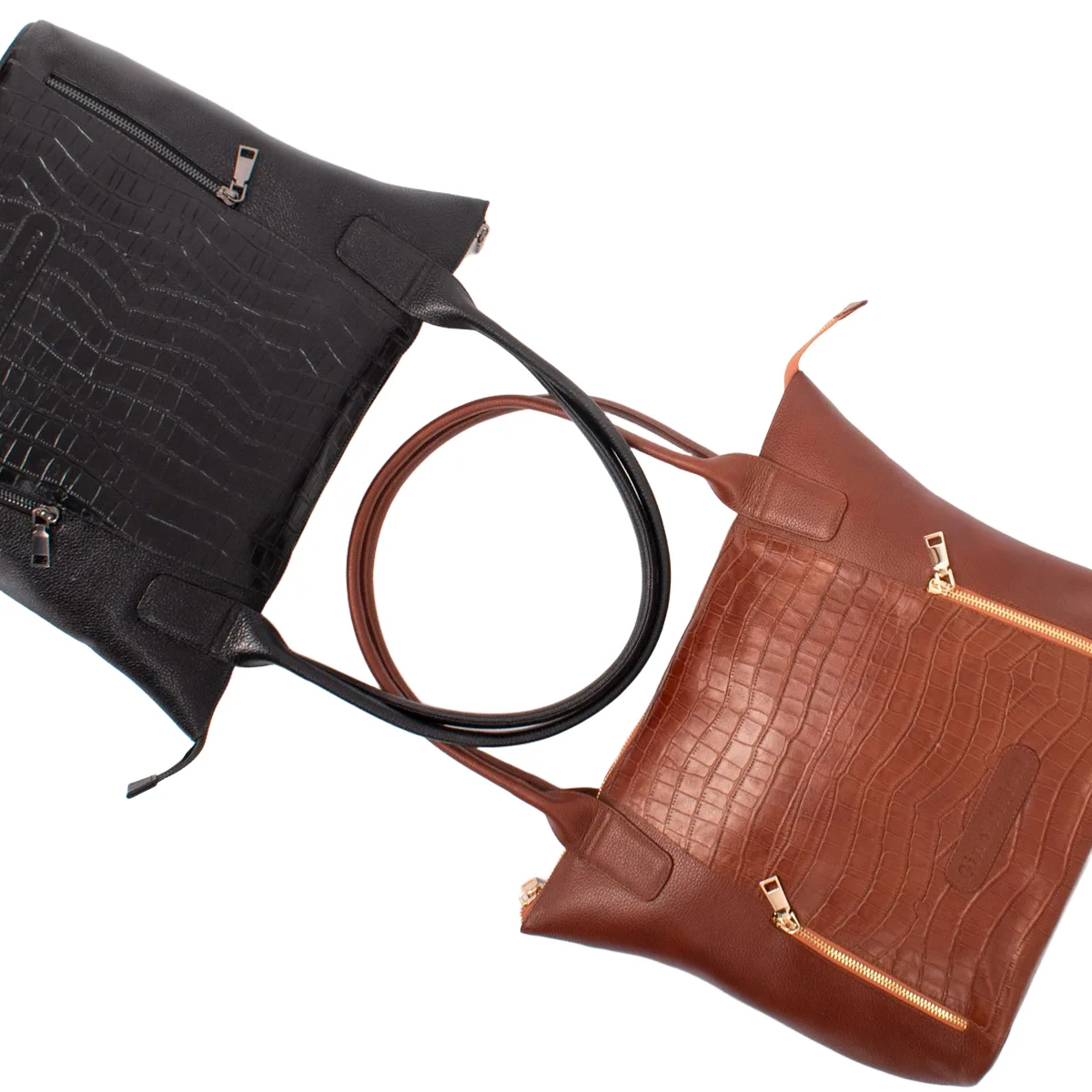
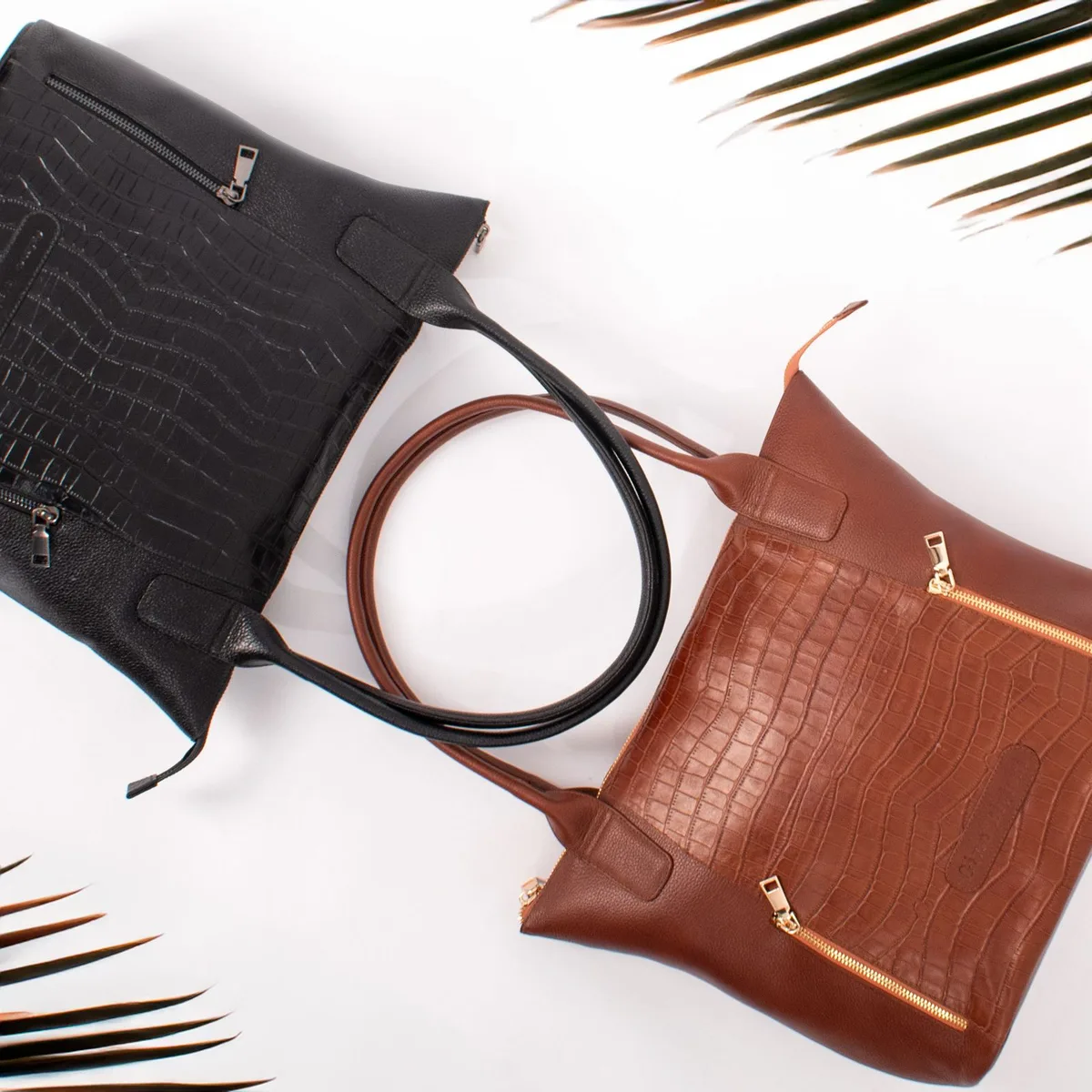
White
E-commerce listings
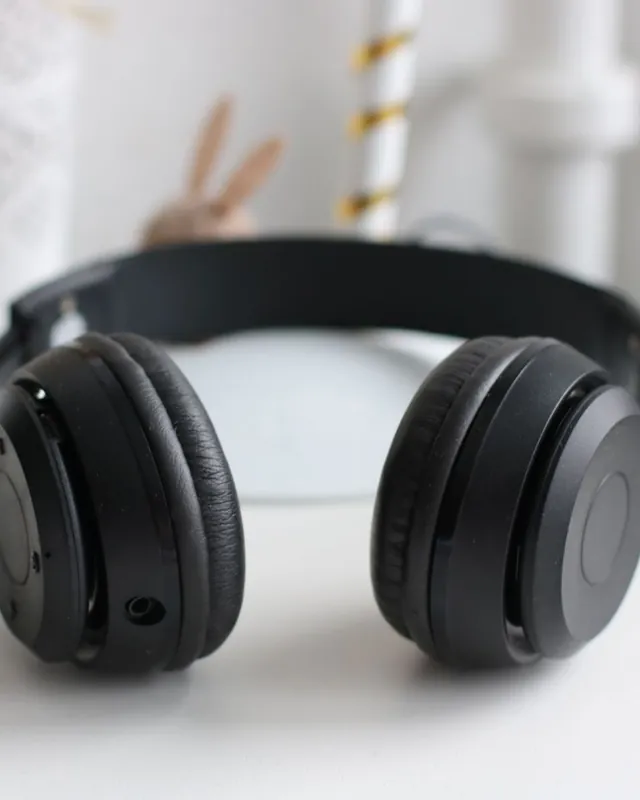
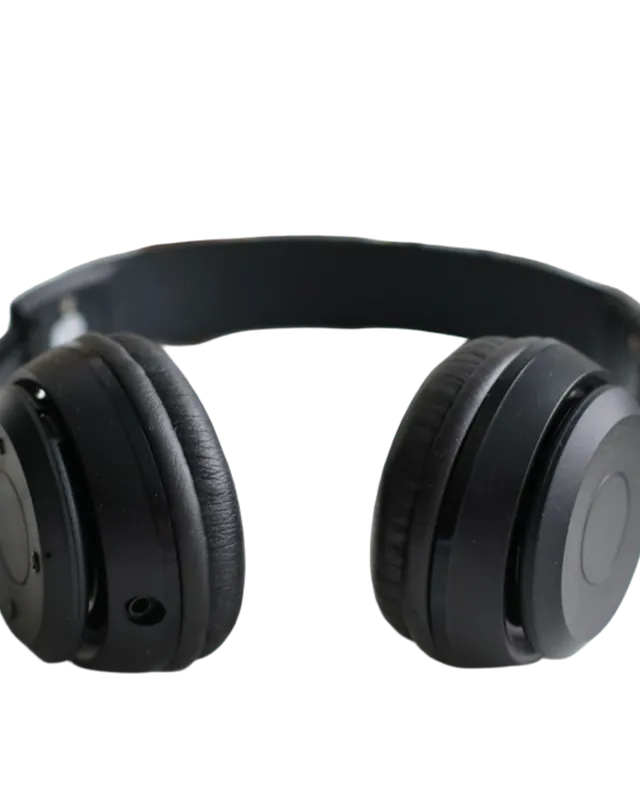
Pure white backgrounds for Amazon, Shopify and Etsy. Props and shadows gone in one click.
 changebg
 BeforeAfter
 BeforeAfter
changebg removes image backgrounds automatically in seconds and gives you a transparent PNG. Free, with no sign-up; the free preview runs on your device and photos are never stored.
Free download: preview cutout with transparent or colour backgrounds. Download HD: sharper edges at full quality; HD + background also unlocks photo backgrounds and blur. HD sends a reduced copy to our secure servers; it is not stored.
Drop, paste or choose an image. The background is removed automatically.
Hold “compare” to see the original. For hair and fur, get the HD cutout.
Pick the transparent background and download as PNG.
Drag the slider to compare. Every result below was made with changebg.
BeforeAfterPure white backgrounds for Amazon, Shopify and Etsy. Props and shadows gone in one click.
 BeforeAfter
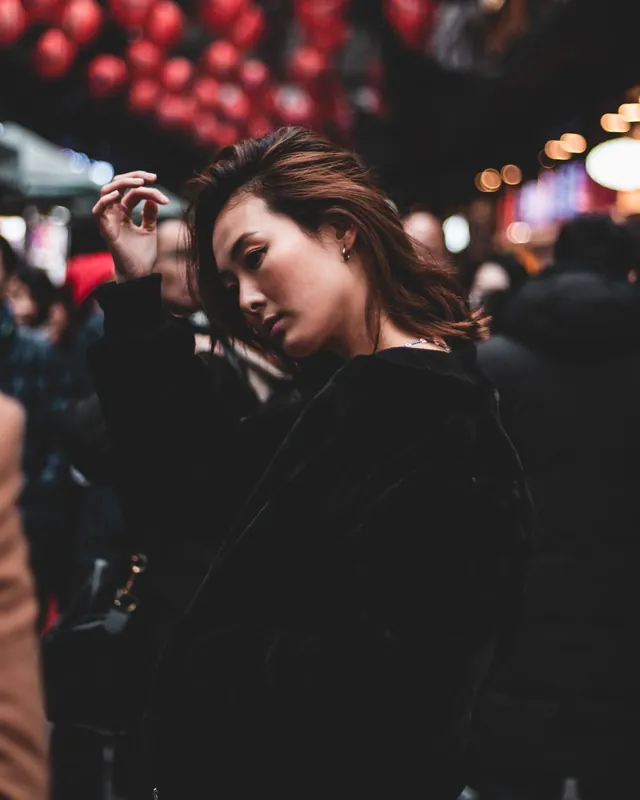
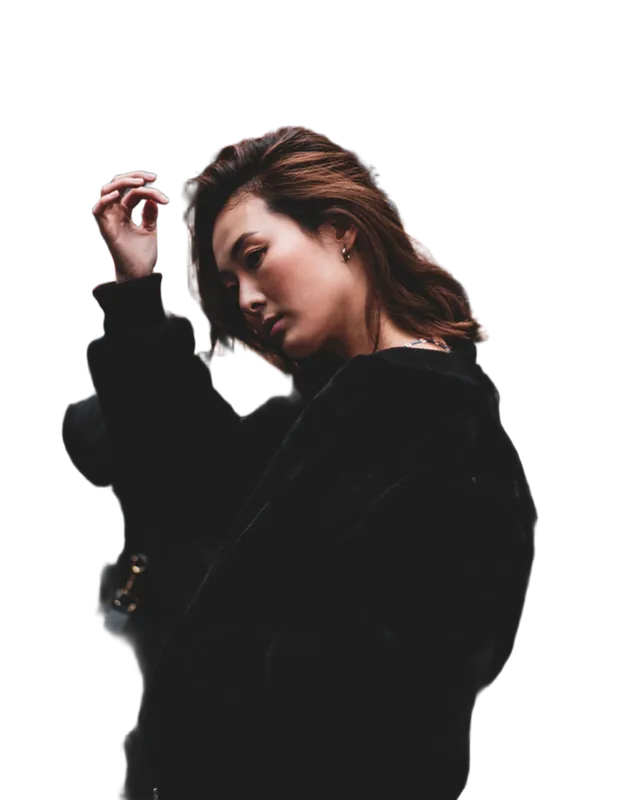
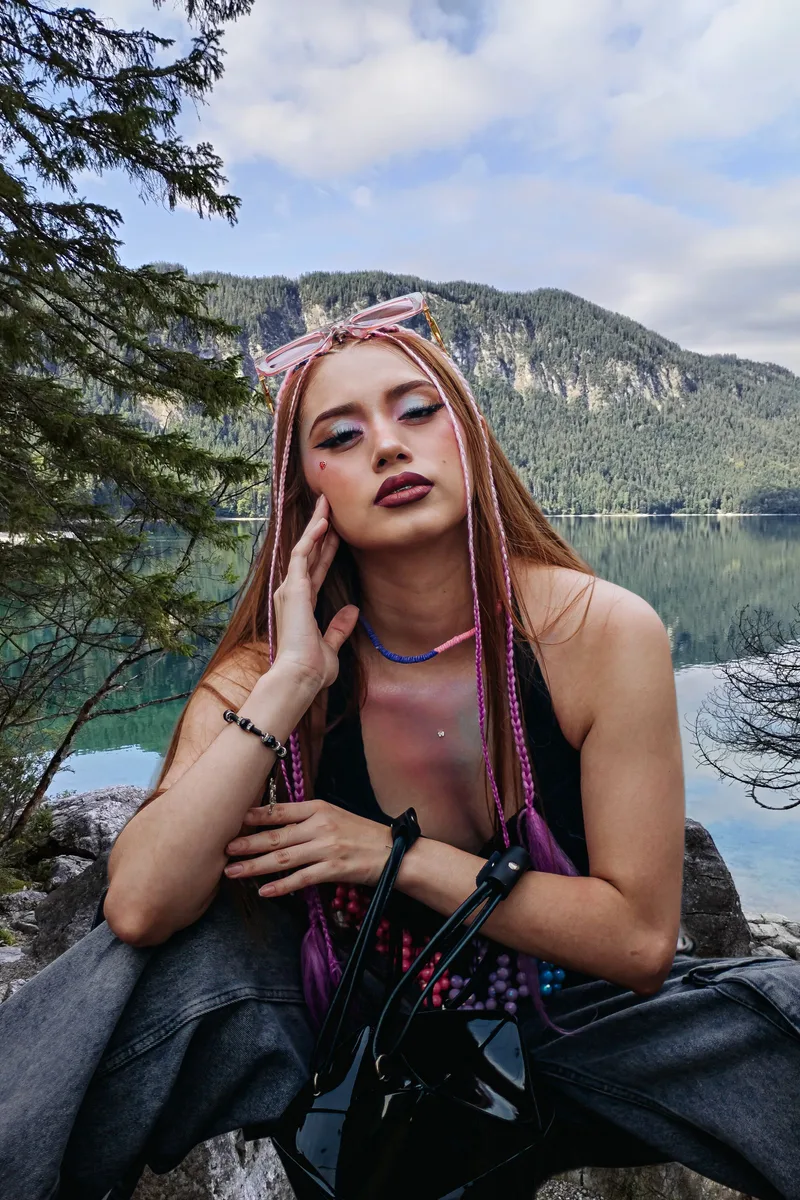
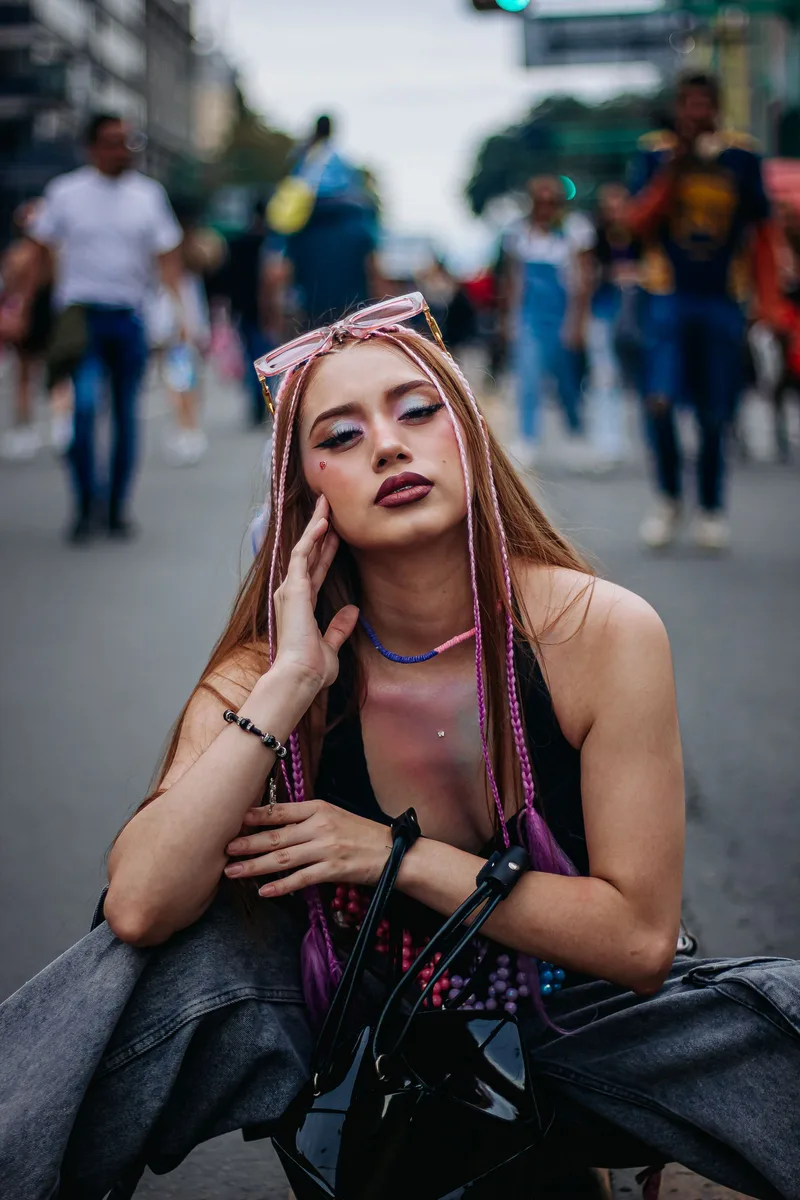
Keep yourself, lose the strangers. Swap a busy street for a calm view.
 BeforeAfter
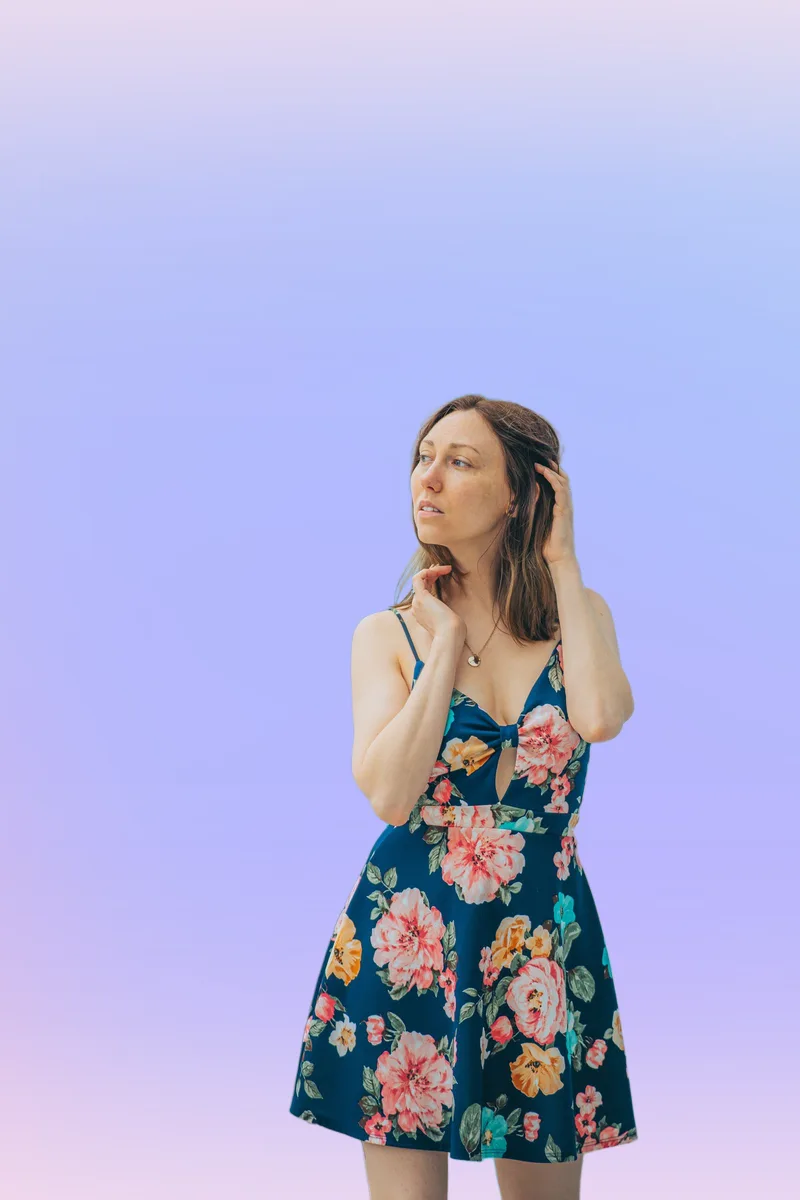
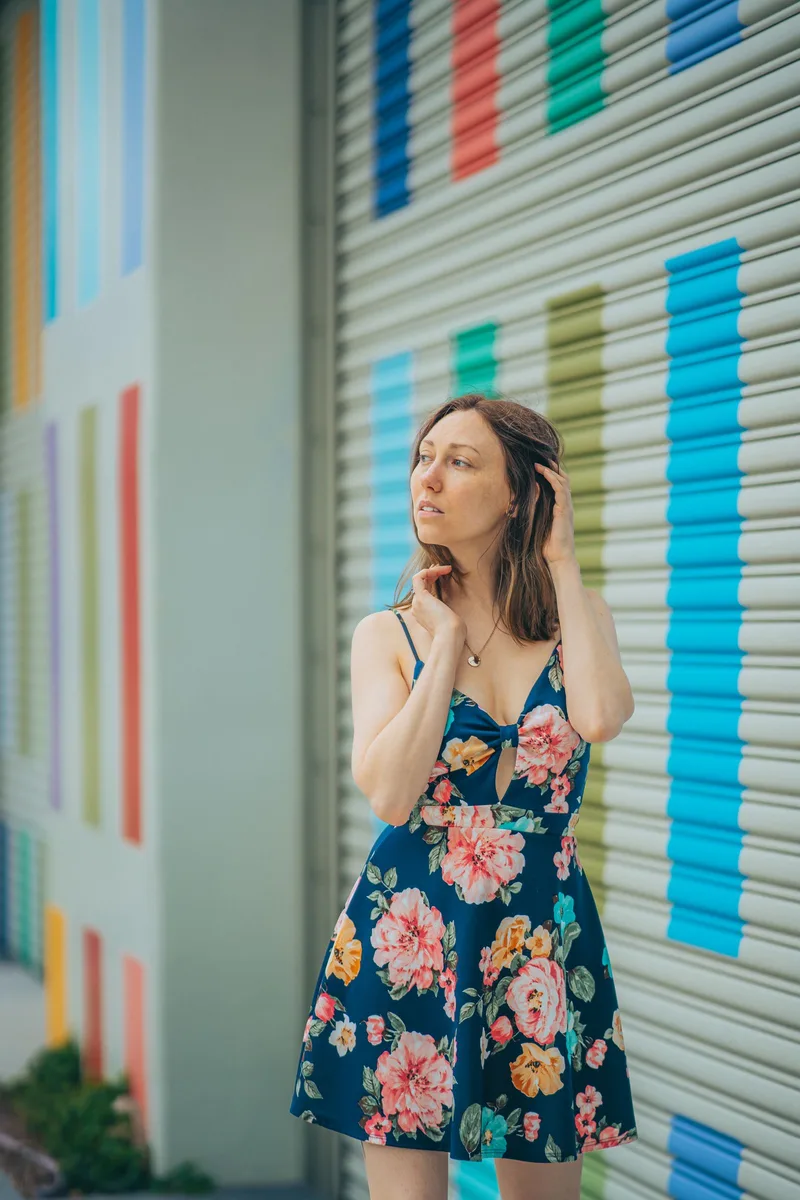
Make your post pop with a clean gradient or a bold colour instead of a busy wall.

 BeforeAfter
A LinkedIn-ready studio backdrop from any photo. No photographer needed.
 BeforeAfter
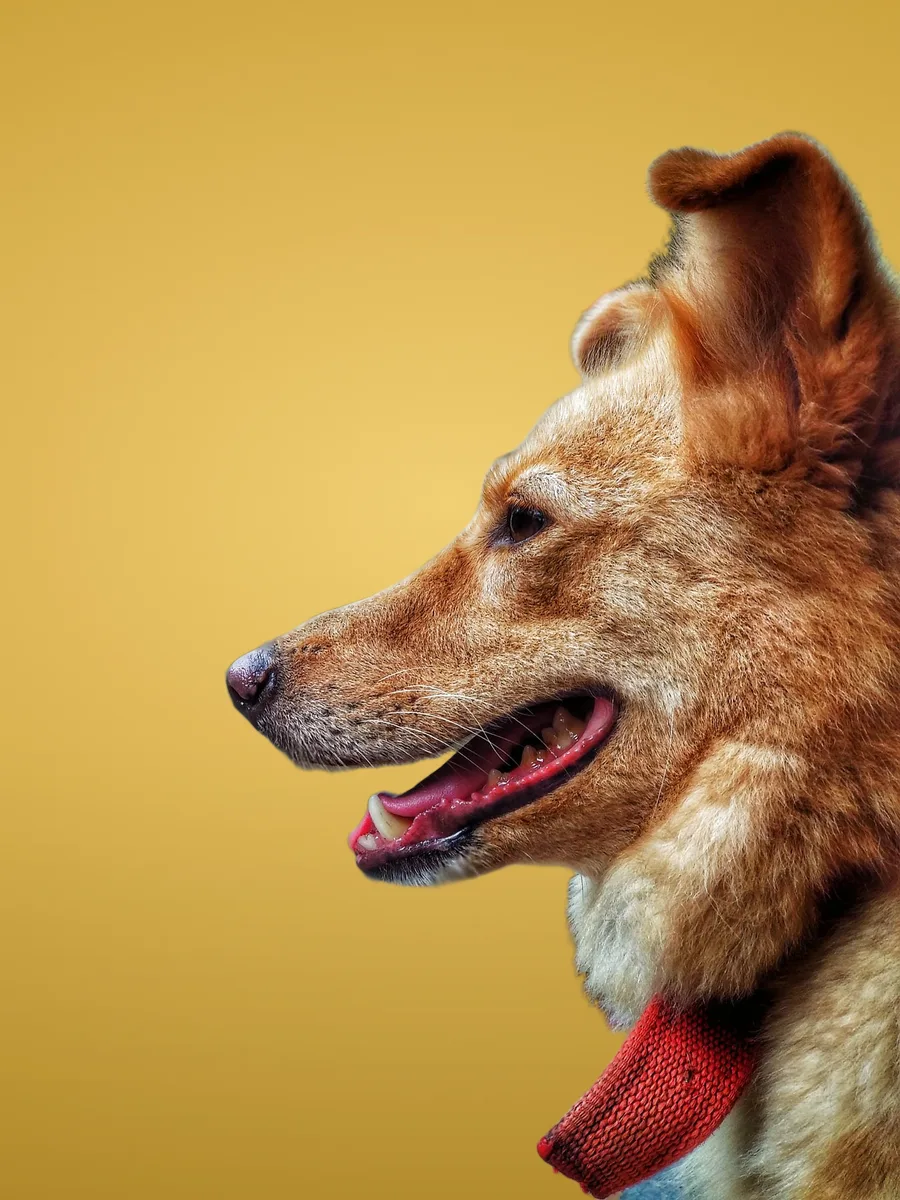
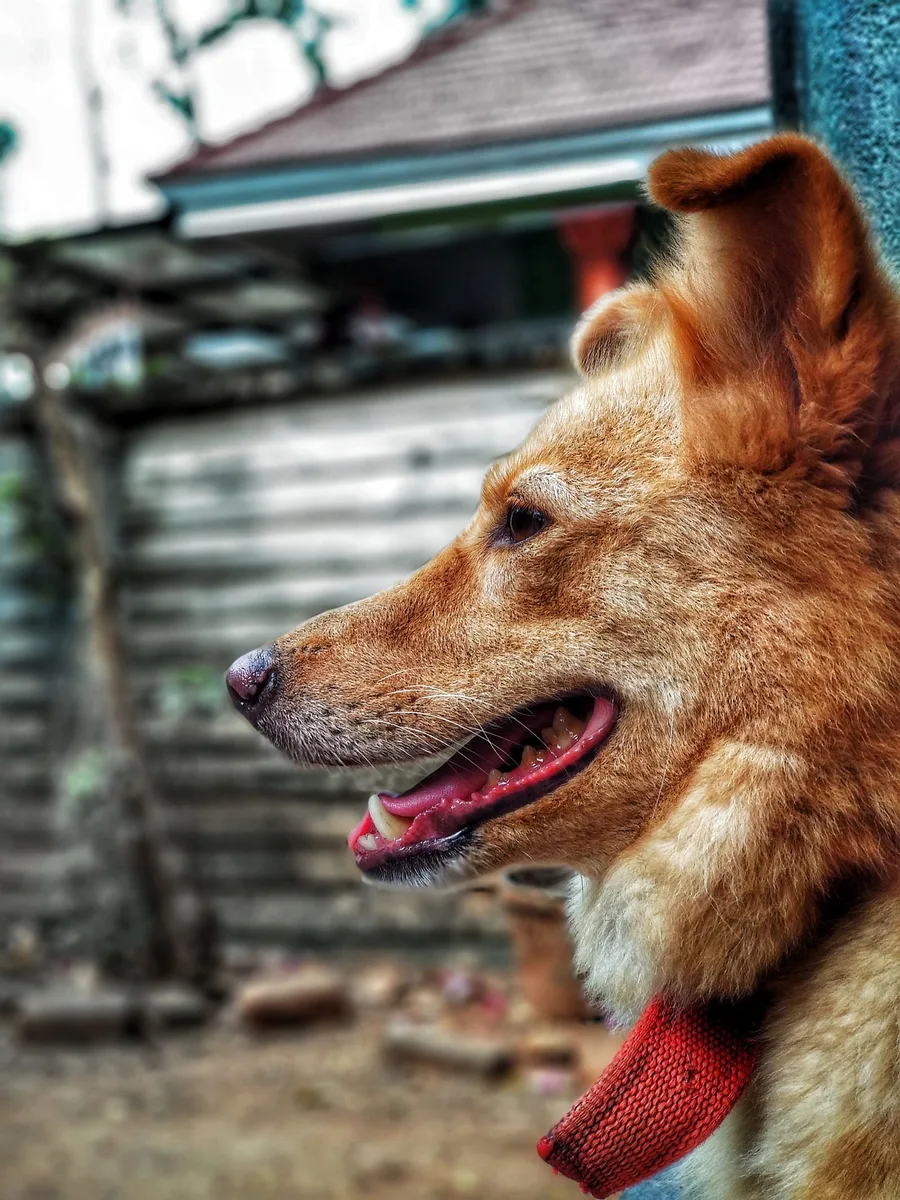
Turn a messy backyard snap into a studio-style portrait of your best friend.
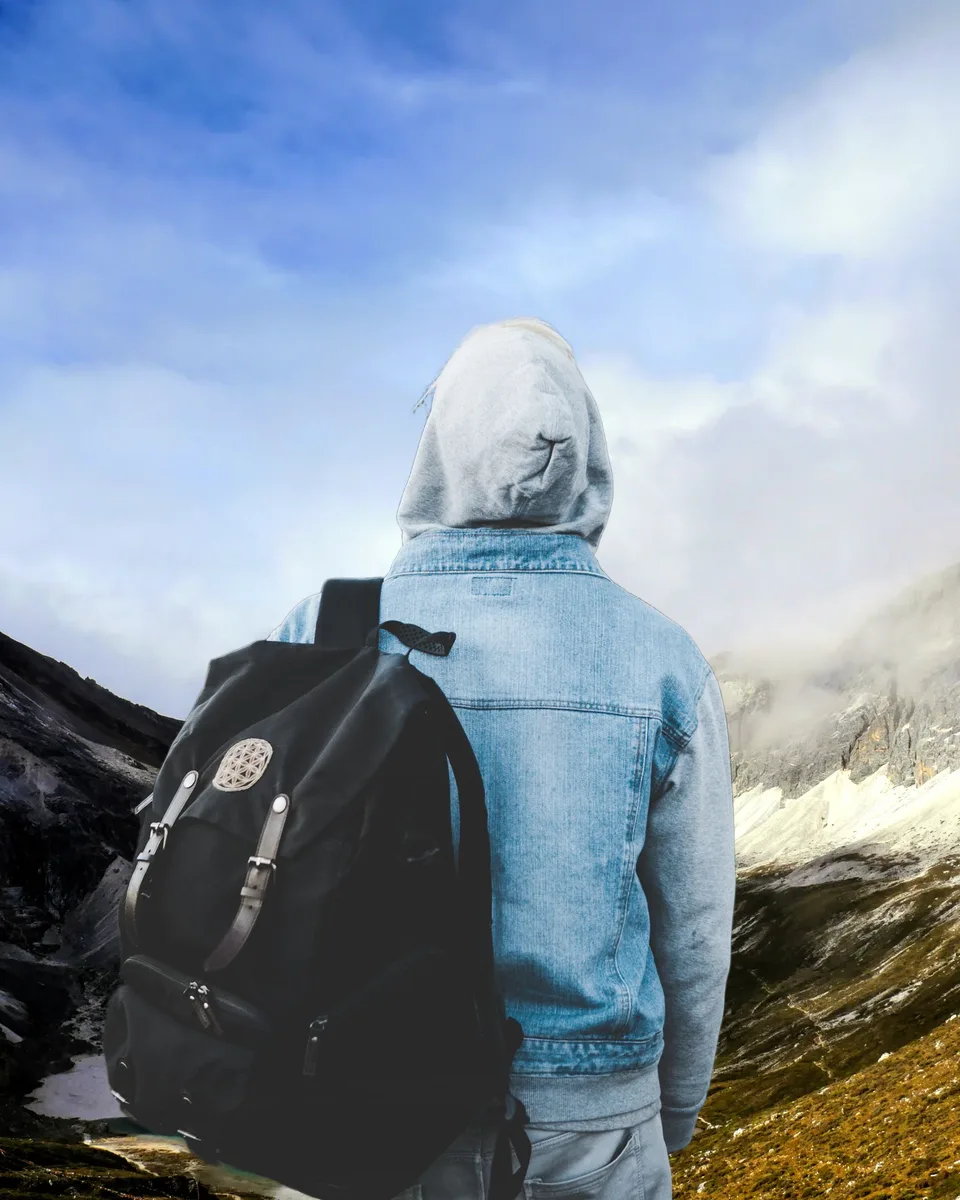
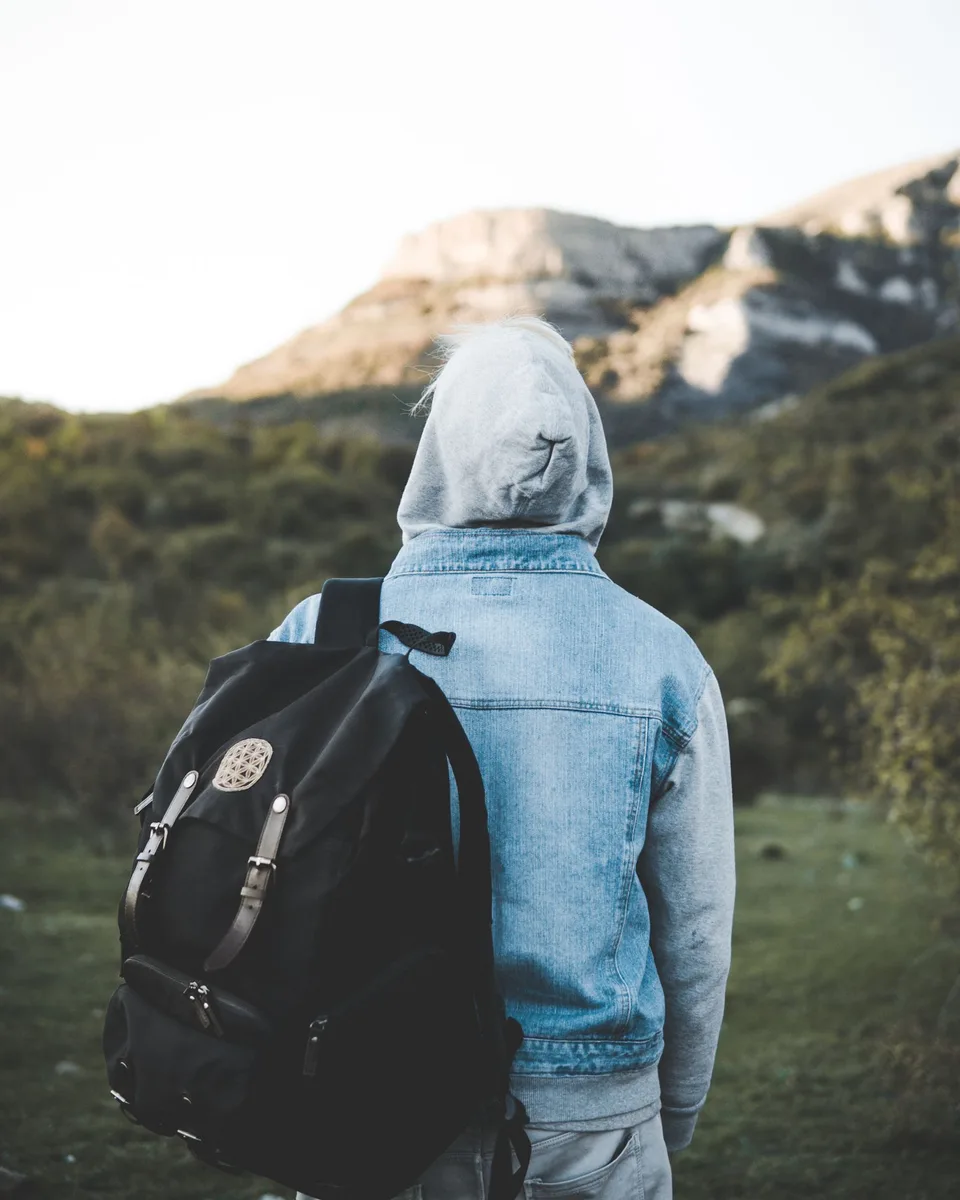 BeforeAfter
Hazy day, bad view? Put yourself in front of the scenery you wanted.
Upload the image to changebg and the background is removed automatically in your browser. Choose transparent and download a PNG, free and with no sign-up.
Yes. Removing a background and downloading the result with a transparent, white or coloured background is free, with no sign-up. HD costs $0.99 per photo, or $1.99 with a photo background; tax is added at checkout. Credit packs bring HD down to $0.15 per photo.
No photo is ever stored. The free preview is created entirely on your device, so the photo never leaves it. For HD, a reduced copy is sent to our secure servers, processed, and discarded immediately.
HD gives sharper, more reliable edges on hair, fur and complex objects at full quality. HD + background ($1.99) also unlocks photo backgrounds and blur. The free preview is instant and works well for simple photos, with transparent, white or colour backgrounds.
You can upload JPG, PNG, WebP and HEIC (iPhone) photos, and download PNG (with transparency) or JPG at full resolution or a smaller size.
Yes. changebg works in any modern mobile or desktop browser, with no app to install. Newer phones and computers process the free preview faster.
Yes. The edited images are yours to use, including for product listings and ads. The built-in background photos are public domain (CC0) or made by us, so they can be used commercially too.
Upload your product photo and keep the default white background, then download as JPG. Marketplaces such as Amazon require pure white (#FFFFFF), which is exactly what changebg produces.
Yes, with HD + background. Choose a photo from the built-in library (studio, nature, city, interiors, abstract, textures, space) or upload your own background, or blur the original background like portrait mode.