

 BeforeAfter
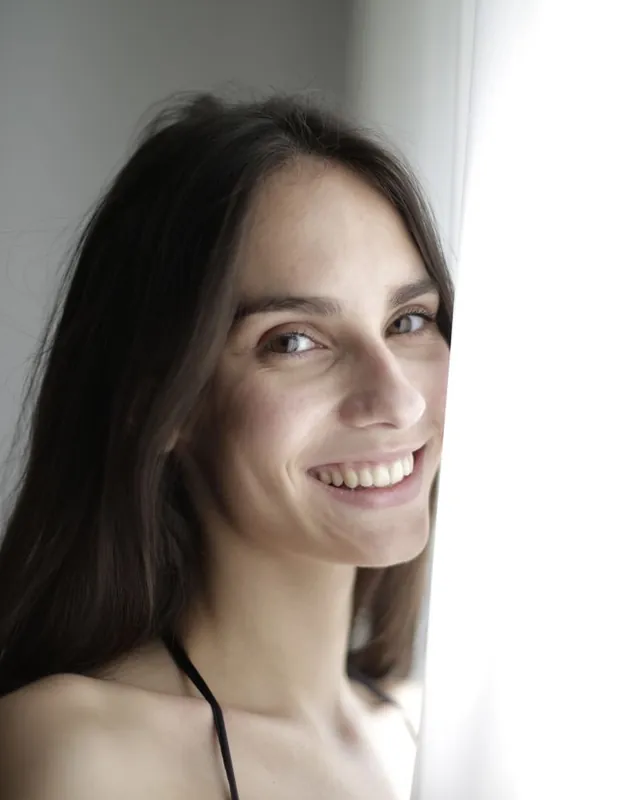
 BeforeAfter
Tools › Profile picture maker
Profile picture maker
Frame your face, preview the circle and download the right size for every platform. Want a cleaner background first? Use the free profile picture background tool, then come back here.
Nothing is uploaded. Your photo stays in this browser.
How to make a profile picture
Add your photo
Use a photo with a clean background. Need one? Change it first with the free background tool.
Frame your face
Drag to move and use the zoom slider. The circle shows how it will look on most sites.
Download
Pick the size for your platform and download a square JPG, or a round PNG with an optional ring.
Frequently asked questions
What size should a profile picture be?
Most platforms show profile pictures as a small circle but accept a square upload: 400 × 400 px or larger works almost everywhere. LinkedIn and YouTube look sharpest at 800 × 800.
Should I upload a square or a round profile picture?
Upload the square. Sites crop it to a circle themselves. A round PNG with transparent corners is useful for slides, email signatures and websites.
How do I change the background of my profile picture?
Use the free profile picture background tool first: it removes the background and lets you pick a clean colour or a studio backdrop. Then frame and size it here.
Is my photo uploaded?
No. Cropping and resizing happen entirely in your browser.