
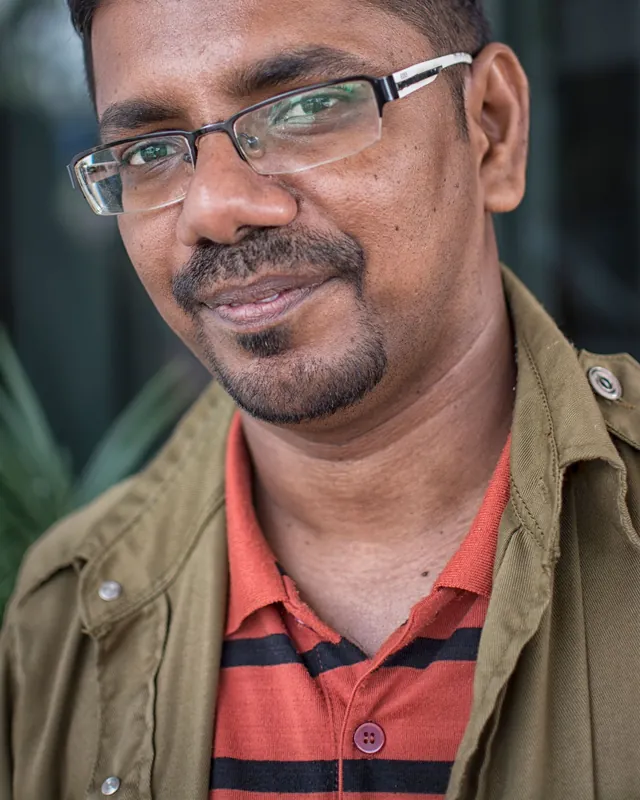
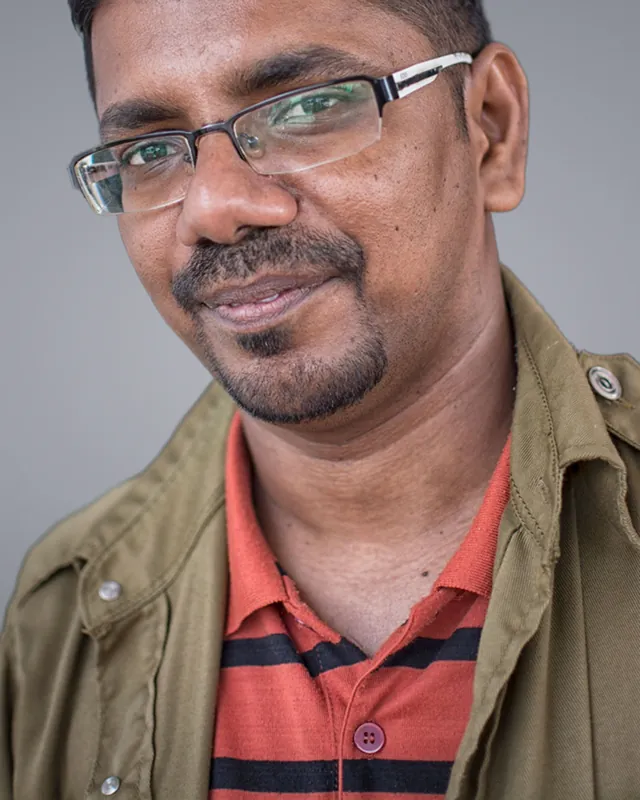
 BeforeAfter
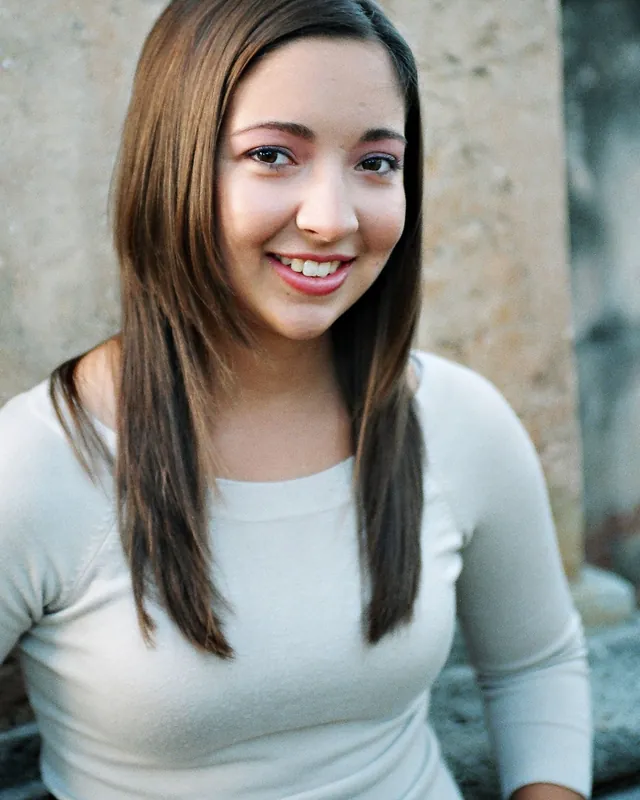
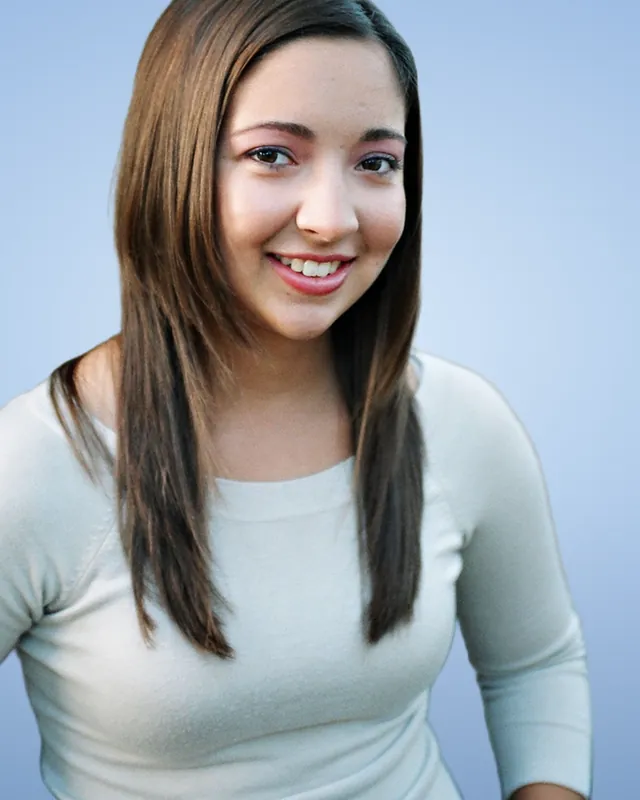 BeforeAfter
Uses › LinkedIn profile pictures
A professional LinkedIn profile picture from any photo
A busy background distracts from your face. Upload a photo and changebg replaces it with a clean colour or (with HD) a studio backdrop, for a polished LinkedIn headshot without a photographer.
Cutout
Free download: preview cutout with transparent or colour backgrounds. Download HD: sharper edges at full quality; HD + background also unlocks photo backgrounds and blur. HD sends a reduced copy to our secure servers; it is not stored.
Background
Photo backgrounds HD
LinkedIn profile photo at a glance
- Upload at least 400 × 400 px; LinkedIn displays it as a circle.
- JPG or PNG, up to 8 MB.
- Keep your face centred with some space around it, so the circular crop works.
- A plain, light or brand-coloured background looks most professional.
Summarised from LinkedIn’s profile photo guidance. Check LinkedIn Help for the latest. Last checked 2 November 2026.
How to change your LinkedIn photo background
Upload a well-lit photo
Face the camera with even light. Selfies and phone photos work.
Pick a background
This page starts on a soft blue. Try white, grey, a brand colour, or a studio backdrop with HD.
Download and upload to LinkedIn
Download PNG or JPG, then crop to a square in LinkedIn so your face is centred.
Tips for a great profile picture
- Soft blue, light grey and white backgrounds look professional and calm.
- Hair and fine edges look much more natural with HD.
- Use the same photo across LinkedIn, email and your CV for a consistent profile.
Frequently asked questions
What is the best background colour for a LinkedIn photo?
A plain, light colour such as soft blue, light grey or white looks most professional and keeps the focus on your face. A muted brand colour also works.
What size should a LinkedIn profile picture be?
At least 400 × 400 px, up to 8 MB, as JPG or PNG. LinkedIn shows it as a circle, so keep your face centred.
Can I get a studio-style background without a photographer?
Yes. With HD + photo background, choose a studio backdrop from the library, or blur your original background like portrait mode.