

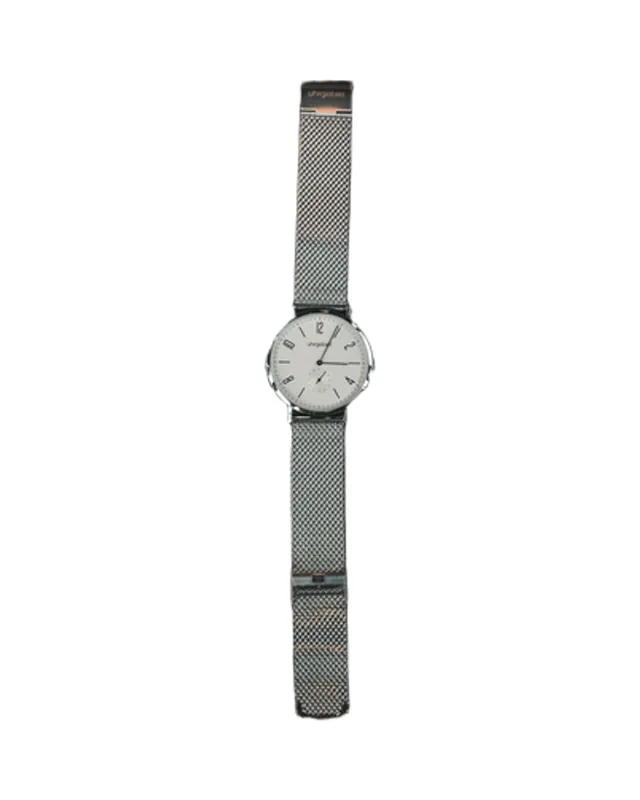
 BeforeAfter

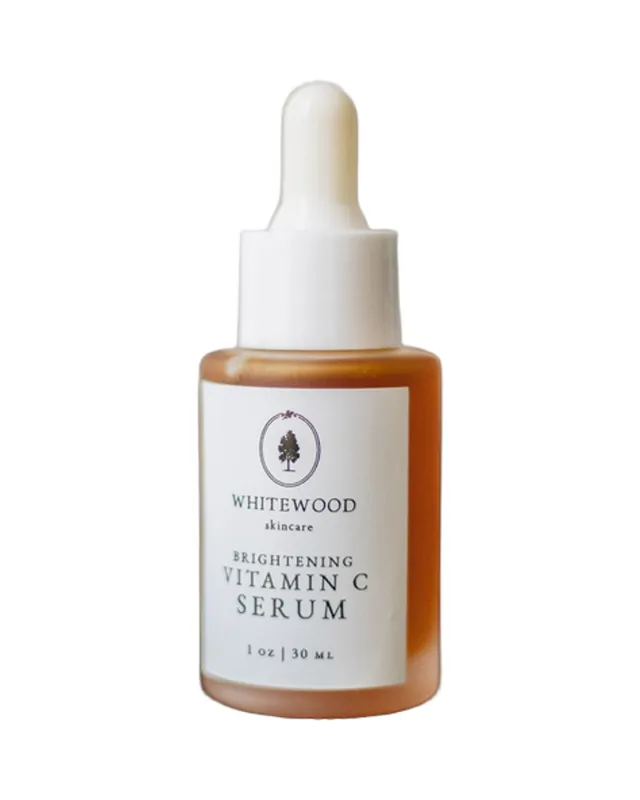 BeforeAfter
Uses › Shopify product photos
Consistent white backgrounds for your Shopify store
Product grids look professional when every photo has the same background. Upload each product photo and changebg gives it pure white (or your brand colour), ready for your Shopify store.
Cutout
Free download: preview cutout with transparent or colour backgrounds. Download HD: sharper edges at full quality; HD + background also unlocks photo backgrounds and blur. HD sends a reduced copy to our secure servers; it is not stored.
Background
Photo backgrounds HD
Shopify product image tips at a glance
- Shopify recommends square images, around 2,048 × 2,048 px, for product photos.
- Use the same aspect ratio and background on every product so collection grids line up.
- Keep files reasonably small for fast pages; JPG is ideal for solid backgrounds.
Summarised from Shopify’s help centre. Your theme may recommend other sizes. Last checked 2 November 2026.
How to make Shopify product photos white
Upload a product photo
The background is replaced with pure white automatically.
Choose 2048 px JPG
Pick JPG and 2048 px for a sharp, fast-loading product image.
Repeat for each product
Click “New image” for the next one; each new photo starts on the same pure white.
Tips for Shopify stores
- Pick one background (white or a brand colour) for every product image.
- Use HD for products with fine detail; credit packs bring it down to $0.15 a photo.
- Lifestyle images for banners and collections: try photo backgrounds with HD.
Frequently asked questions
What size should Shopify product images be?
Shopify recommends square product images around 2,048 × 2,048 px. changebg can download at 2048 px or full size.
Do Shopify product photos need a white background?
No, but a consistent background across all products makes collection pages look professional. White is the most common choice; a single brand colour works too.
How do I make all my product photos match?
Use the same background colour and export settings for every photo. On this page every new photo starts on pure white, so a white catalogue is just upload and download; for a brand colour, pick the same swatch or hex code each time.